




Advanced Bionics
AB Harmony / Auria PowerCel Plus & Slim Battery Replacement – Black
$135.00
In stock
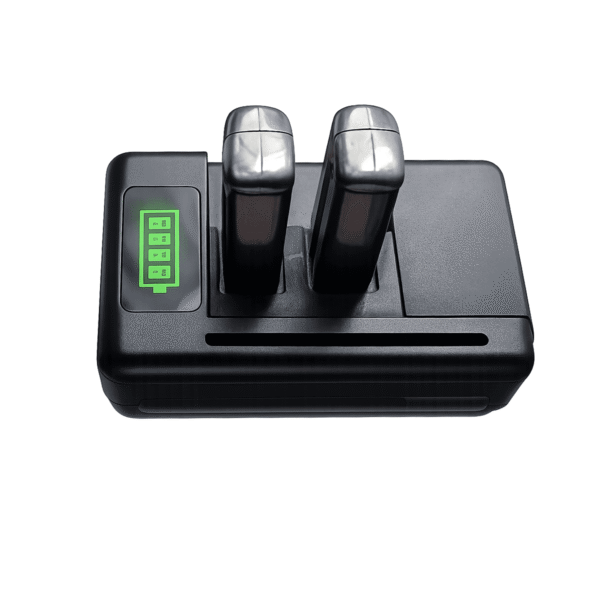
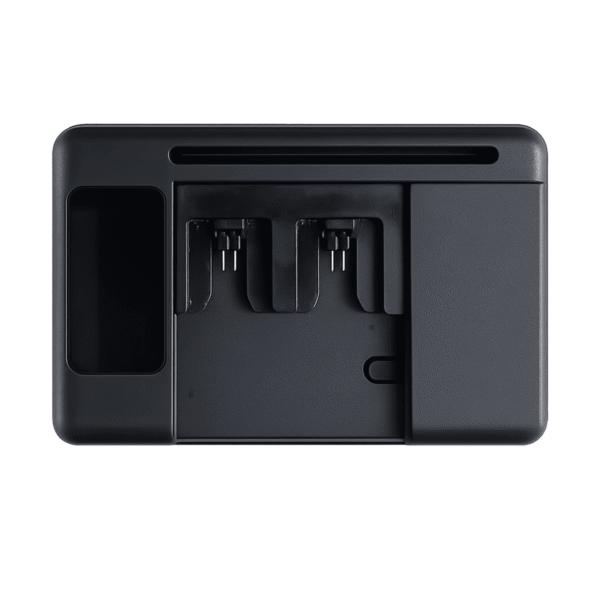
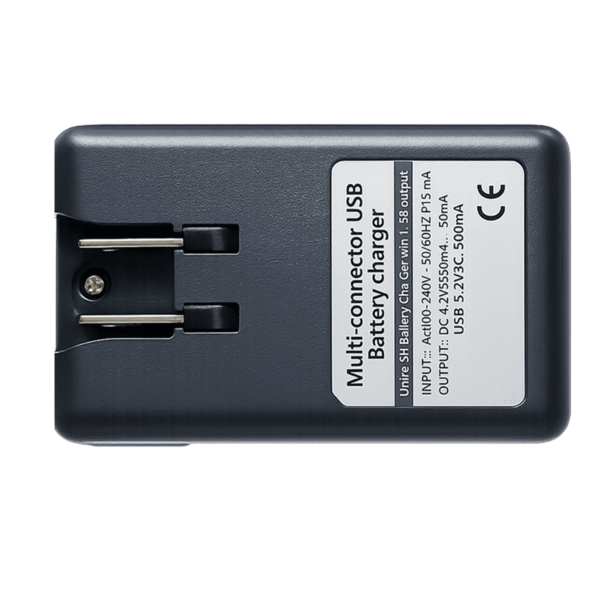
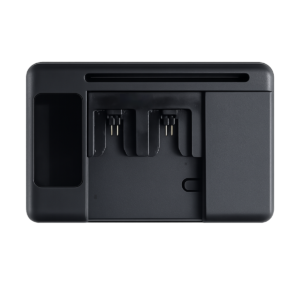
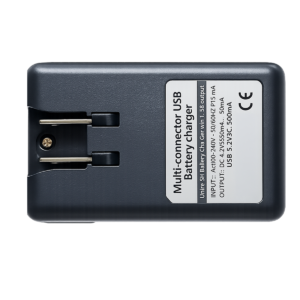
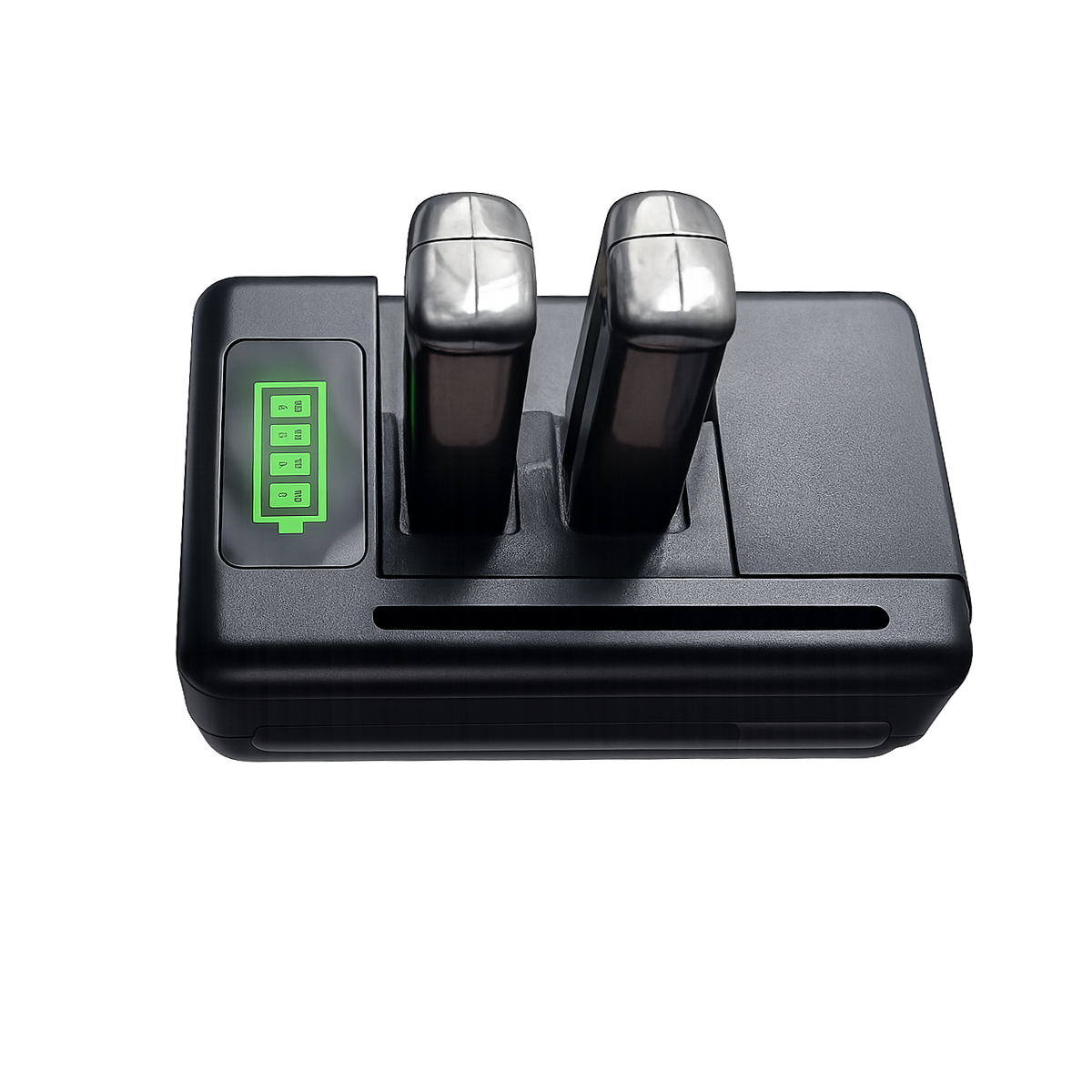
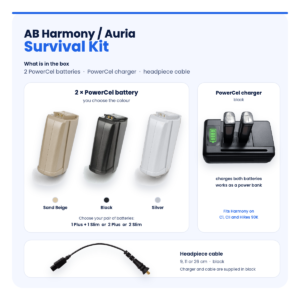
The AB Harmony Charger is a replacement PowerCel battery charger for the Advanced Bionics Harmony sound processor, made to charge both PowerCel Plus and PowerCel Slim batteries. It is comparable to the Auria PowerCel Charger, part number CI-5600-003, used with power supply CI-5610-002.
Without a charger, every Harmony battery you own becomes useless within a day. Chargers fail quietly: a slot stops working, a lead works loose, or batteries come off “full” and die by lunchtime. Now that Advanced Bionics has ended support for Harmony processors for C1 users, a spare AB Harmony Charger is one of the most useful parts to have on hand.



| Fits | Advanced Bionics Harmony PowerCel batteries |
|---|---|
| Charges | PowerCel Plus and PowerCel Slim, in any colour |
| Comparable part numbers | CI-5600-003 (Auria PowerCel Charger); power supply CI-5610-002 |
| Works with | Harmony batteries from your clinic and our replacement Harmony batteries |
| Price | $109 |
| Dispatch | Within 24–48 hours, tracked |
| Guarantee | Replaced or refunded if wrong or defective (14 days) |
The AB Harmony Charger is a straightforward overnight charger. You place your PowerCels in it at bedtime and take them out charged in the morning. It does not change any setting on your processor, and it does not need programming by your clinic.
| Battery | Charges in this? | If not, you need |
|---|---|---|
| Harmony PowerCel Plus (CI-5540) | Yes | — |
| Harmony PowerCel Slim (CI-5520) | Yes | — |
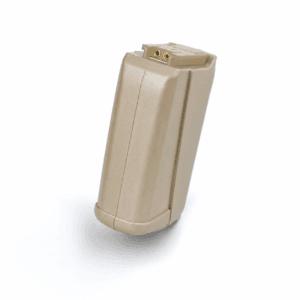
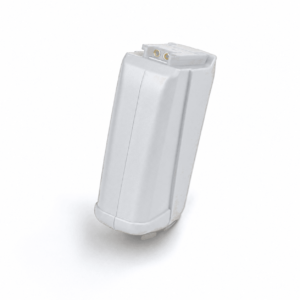
| Our replacement Harmony batteries | Yes | Black or Sand Beige, Plus or Slim |
| Naida CI PowerCel 110 / 170 / 230 | No | Needs the Naida CI PowerCel charger (CI-5605) |
| Naida CI M90 (Marvel) M battery | No | Needs the Marvel battery charger |
| Cochlear Nucleus or MED-EL batteries | No | Needs a charger made for that brand |
The simplest check is the battery itself. If it clips onto the base of an Advanced Bionics Harmony processor, it belongs in this charger. Naida CI batteries look like close relatives, but they have a different shape and connector and will not seat properly.
Still unsure? Send us a photo of your battery and your old charger, and we will confirm before you order.
The PowerCel charger is a single point of failure: if the charger or its power supply stops working, every battery you own runs down with no way to refill it. Chargers also get left behind on trips and worn by years of plugging in and out.
A second charger, kept at work or in a travel bag, means your batteries are never stranded. Ours charges both PowerCel Plus and PowerCel Slim and ships within 24 to 48 hours with tracking.
Before you blame the charger, swap batteries between slots and try a battery that you know is healthy. If good batteries charge badly in one slot, or in every slot, the charger or its power supply is the likely fault. Any charger that smells hot or shows damage should be unplugged and not used again.
If you charge several batteries, put the one you will need first in the same slot every night. That way, if a slot ever develops a fault, you will notice it straight away.
| What you see | Most likely | What to do |
|---|---|---|
| No lights at all | Power supply or wall socket | Try another socket. Check that the lead is pushed fully into the charger |
| Lights on, one battery will not charge | Dirty contacts or a worn battery | Clean the contacts with a dry cloth. Try a different battery in that slot |
| One slot never charges any battery | Faulty slot | Use the other slots for now and plan to replace the charger |
| Batteries show full but die early | Worn batteries, or charging stops early | Test with a newer battery. If that also dies early, suspect the charger |
| Works only when the lead is held | Loose or damaged lead | Stop using it and replace the charger or power supply |
If your tests point to the batteries rather than the charger, our black Harmony battery and Sand Beige Harmony battery both come in Plus and Slim sizes.
A charger has no parts that you need to replace routinely. Look after the lead and the contacts, and it should give you steady service.
This AB Harmony Charger is a third-party compatible charger. It is not made or authorised by Advanced Bionics. It is designed to the same specification and slot shape as the Harmony PowerCel charger it replaces, so your PowerCel Plus and Slim batteries seat and charge in the usual way.
We check each charger before it leaves us. If it arrives defective, or it is the wrong item, we replace it or refund you. Use it only for Harmony PowerCel batteries, never for other battery types, and stop using it if the lead is damaged or it overheats.
A dependable daily routine for an Advanced Bionics Harmony comes down to a few simple pieces kept together in one place. Most people find that a small box or tray on the bedside table works well.
Once the kit is set up, the routine takes seconds: batteries onto the charger at bedtime, processor into the dryer, and a fresh battery on in the morning. If something stops working, you already have the spare to hand, and you can work out which part failed by swapping one piece at a time.
Your charger is the one item you cannot borrow from a friend or buy at an airport. When you travel, pack it with your batteries in your hand luggage, and bring at least one spare battery that is fully charged before you leave home.
Plug shapes vary from country to country. A simple travel plug adapter is often all you need, but check that it fits the plug on your power supply before your trip. If you have questions about the plug supplied for your country, message us before ordering.
It is worth keeping a second charger permanently packed in your travel bag. It saves unplugging the home charger, and it means a forgotten charger never cuts a holiday short.
Every AB Harmony Charger order is packed and dispatched within 24–48 hours with tracking. Delivery usually takes 12–22 business days worldwide, and duties are handled for you on most routes, so there is nothing extra to pay at the door. Shipping is free on orders over $250, which is easy to reach if you add a spare cable or charger.
Payment runs through a secure payment gateway with all major cards. If we send the wrong item, or the part arrives defective or damaged, message us within 14 days with a short video. We replace it or refund you, and we cover the return shipping. Change-of-mind returns are not accepted on hygiene-sensitive hearing parts. Full details are in our return policy.
Keep your AB Harmony working with these matching spares:
Yes. The AB Harmony Charger charges both Harmony battery sizes, in any colour, including the Auria PowerCel Plus (CI-5540) and PowerCel Slim (CI-5520).
No. Naida CI PowerCel batteries need the Naida CI charger. The shapes and connectors are different, so they will not seat in a Harmony charger.
Yes. Our replacement Harmony batteries are made to fit the Harmony PowerCel charger, whether it is your old one or this replacement.
It depends on how flat the battery is and its age. The simplest routine is to charge overnight, which is plenty for a full charge.
Yes, overnight charging is the normal routine. Take the batteries out in the morning, and do not leave them sitting in the charger for weeks at a time.
Test with a newer battery. If a newer battery lasts normally, the old batteries are worn. If every battery dies early, the charger is the more likely problem.
It is a replacement made to work where the Auria PowerCel Charger (CI-5600-003) works. Auria is the name of the Harmony accessory line. This AB Harmony Charger is not made by Advanced Bionics.
If you rely on a Harmony every day, yes.
No. A charger does not change your processor program. Your audiologist is still the person to see for any programming or implant questions.
Yes. If you wear two processors, or two people in the household use a Harmony, the same charger can charge batteries for both. Just label the batteries so each set stays with its owner.
Questions about your AB Harmony? Message us on WhatsApp (+1 520 473 4179) with a photo of your processor and we confirm the right part before you pay.


We are here to help you with any question.
 English English
  Français
 Español
 Deutsch
 العربية



joakimandreassen –
easy to use and works good