



Advanced Bionics
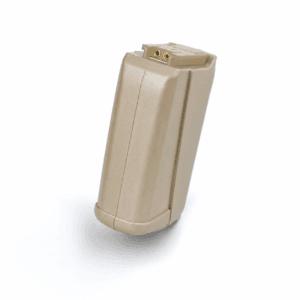
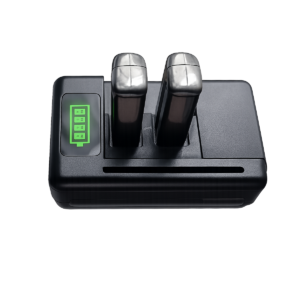
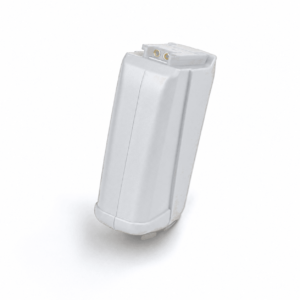
AB Harmony / Auria PowerCel Plus & Slim Battery Replacement – Black
$135.00
In stock
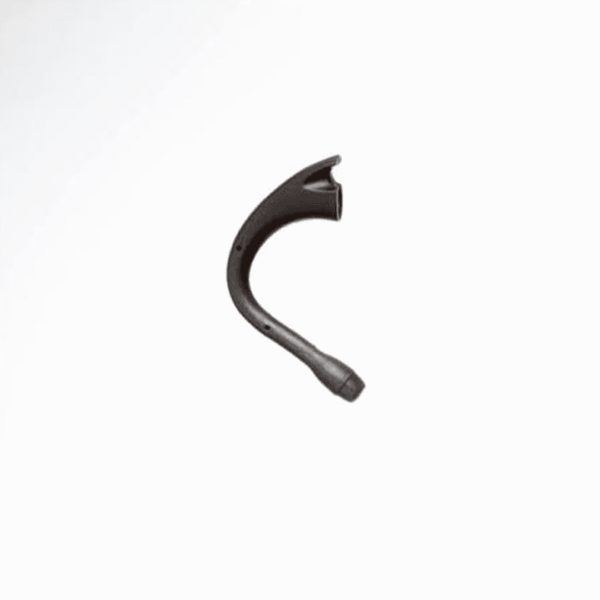
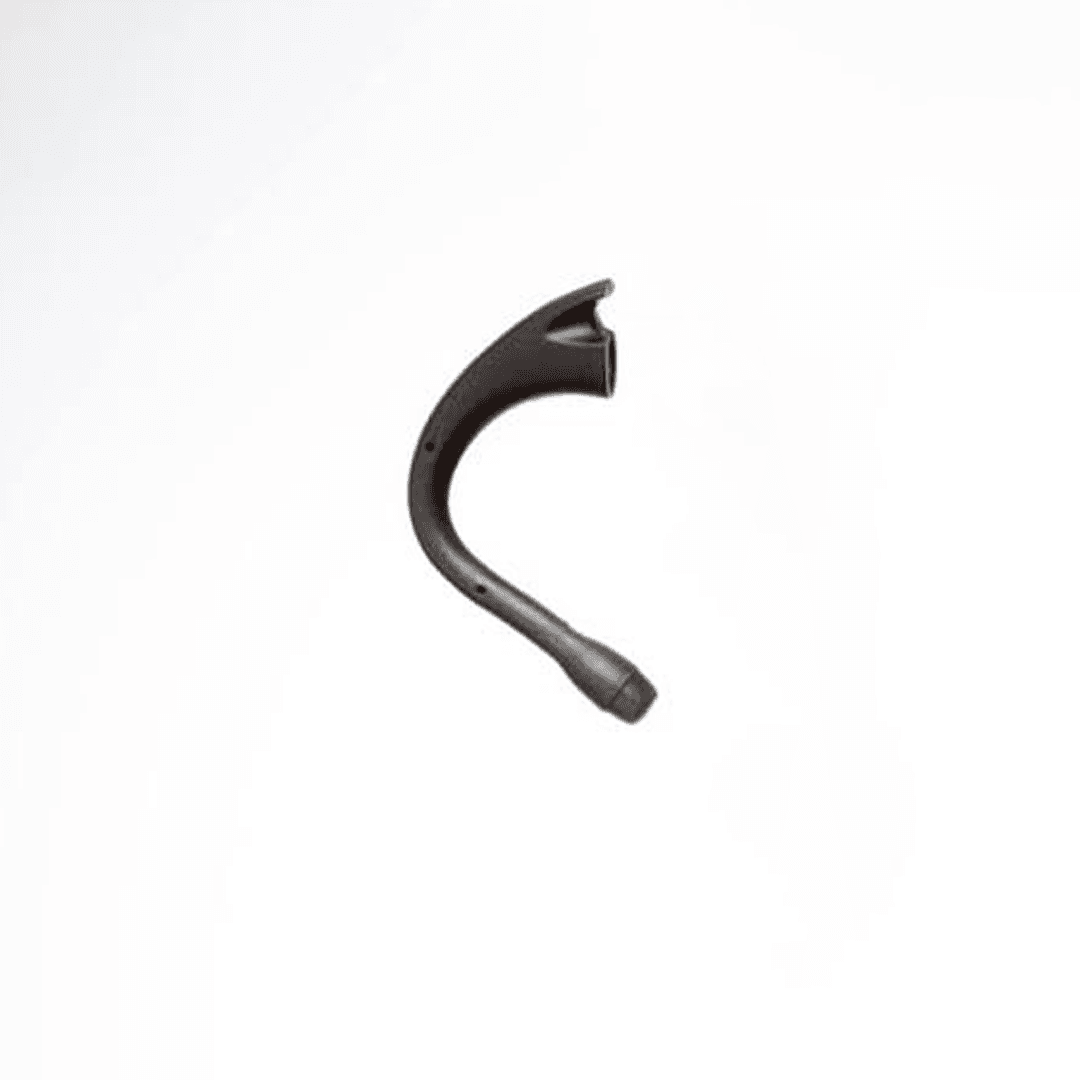
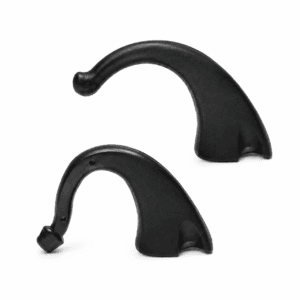
The AB Harmony T-Mic is a replacement T-Mic microphone for the Advanced Bionics Harmony sound processor, available in small and large sizes in black. It takes the place of the earhook and places a microphone at the entrance to your ear canal, where your outer ear naturally gathers sound.
Once you are used to a T-Mic, it can be hard to go back. It lets you hold a phone to your ear in the usual way and wear ordinary earbuds or headphones. The trouble is that T-Mics take a lot of daily handling, and many Harmony users have only the one on their processor. This AB Harmony T-Mic gives you a working spare.



| Fits | Advanced Bionics Harmony behind-the-ear processor |
|---|---|
| Sizes | Small or Large, chosen at checkout |
| Comparable part numbers | CI-5830 series: standard (large) CI-5830-100 / -200 / -300, small CI-5830-120 / -220 / -320 |
| Colour | Black |
| Replaces | The earhook on the processor |
| Price | $165 for either size |
| Dispatch | Within 24–48 hours, tracked, worldwide |
| Guarantee | Replaced or refunded if wrong or defective (14 days) |
In Advanced Bionics naming, Harmony accessories belong to the Auria line, so your current part may be labelled Auria T-Mic. Our Large size corresponds to the AB standard size. The last three digits of AB part numbers show size and colour; this listing is black in either size.
| Processor | Fits? | Notes |
|---|---|---|
| Advanced Bionics Harmony BTE | Yes | Choose Small or Large |
| AB Auria BTE (earlier model) | Ask us first | Send a photo and we will check |
| Naida CI Q30 / Q70 / Q90 | No | Uses the T-Mic 2 (CI-5835), a different part |
| Naida CI M90 (Marvel) | No | Different processor design |
| Cochlear Nucleus or MED-EL | No | No T-Mic; different microphone systems |
Many people search for a “Harmony T-Mic” and find only universal TV remote parts, because Logitech also sold a product called Harmony. This AB Harmony T-Mic is for the Advanced Bionics Harmony cochlear implant processor only.
The Naida CI T-Mic 2 looks similar but does not attach to a Harmony. If you are not sure which processor you wear, check the user guide, the box or your clinic paperwork, or send us a photo of the processor from the side, with the T-Mic or earhook attached.
The T-Mic sits at the ear canal, where it meets sweat, moisture, hair products and daily handling. Over time the microphone loses sensitivity, the hook can crack, and sound starts to feel muffled or uneven. Because the T-Mic is the part most people wear every day, it is also the part most likely to need replacing.
A spare T-Mic lets you swap immediately instead of waiting, and makes it easy to check whether a sound problem is the microphone or something else. Ours is new, fits every Harmony, and ships within 24 to 48 hours.
Before deciding, rule out the simpler causes. Fit a fresh battery and try a different headpiece cable, because sound that cuts out every time you smile or turn your head is often a cable fault. If the problem stays with the T-Mic, it is time to replace it.
Your clinic sets which microphone each program uses. If you are moving from a standard earhook to a T-Mic for the first time, check with your audiologist that your programs are set up for it.
| What you notice | Likely cause | What to do |
|---|---|---|
| Crackling when you touch it | Loose connection or worn T-Mic | Refit firmly. If it continues, replace the T-Mic |
| Muffled sound | Blocked microphone opening | Gently brush the opening clean. Never push anything into it |
| T-Mic keeps slipping out of the ear | Wrong size, or a bent boom | Try the other size, or replace a distorted T-Mic |
| No sound with the T-Mic, normal with an earhook | T-Mic fault, or program setting | Try a new T-Mic. Ask your clinic to check the microphone setting |
| Sound cuts out when you turn your head | Often the headpiece cable | Try a spare headpiece cable first |
Keeping a standard ear hook in your kit is useful: if your T-Mic ever fails, you can switch to the earhook while you wait for a replacement. For cable faults, see our Harmony headpiece cable.
T-Mics are handled every day, so they wear faster than most parts. Having a spare ready avoids a sudden day without the sound you are used to.
This AB Harmony T-Mic is a third-party compatible part. It is not made or authorised by Advanced Bionics. It is designed to the same size, connection and specification as the Harmony T-Mic it replaces, so it attaches to the processor in the same place and in the same way.
Each T-Mic is checked before dispatch. If it arrives defective or is the wrong size, we replace it or refund you. The T-Mic does not change your program. If anything sounds different from your old T-Mic, tell your audiologist, who can check the microphone settings on your processor.
| Size | Usually suits | AB part number family |
|---|---|---|
| Small | Smaller ears, children, and anyone whose standard T-Mic pokes out of the ear | CI-5830-120 / -220 / -320 |
| Large (AB standard) | Most adult ears, and anyone already wearing the standard size | CI-5830-100 / -200 / -300 |
The right size places the microphone tip at the opening of your ear canal without stretching or pushing in. Too long, and the tip presses into the canal or sticks out. Too short, and it sits on the edge of the ear and slips out.
The easiest guide is the T-Mic you already wear. If it fits comfortably, order the same size. If the part number on the packaging ends in -120, -220 or -320, it is the small size. If you have never worn a T-Mic, or a child’s ears have grown, ask your audiologist, or send us a photo of the ear with the processor on and we will help you choose.
Every AB Harmony T-Mic order is packed and dispatched within 24–48 hours with tracking. Delivery usually takes 12–22 business days worldwide, and duties are handled for you on most routes, so there is nothing extra to pay at the door. Shipping is free on orders over $250, which is easy to reach if you add a spare cable or charger.
Payment runs through a secure payment gateway with all major cards. If we send the wrong item, or the part arrives defective or damaged, message us within 14 days with a short video. We replace it or refund you, and we cover the return shipping. Change-of-mind returns are not accepted on hygiene-sensitive hearing parts. Full details are in our return policy.
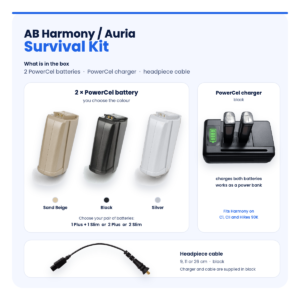
Keep your AB Harmony working with these matching spares:
A T-Mic is a microphone that replaces the earhook on an Advanced Bionics processor. It places the microphone at the entrance to the ear canal, so your outer ear helps gather sound the way it does naturally.
Yes. Our Large AB Harmony T-Mic corresponds to the AB standard T-Mic (CI-5830-100, -200, -300). The Small corresponds to CI-5830-120, -220, -320.
No. Naida CI Q-series processors use the T-Mic 2 (CI-5835), which has a different connection. This listing is only for the Advanced Bionics Harmony.
Yes, that is one of its main benefits. Hold the phone to your ear in the usual way, because the microphone sits right at the ear canal opening.
If you already wear a T-Mic, no. If you are switching from a standard earhook, ask your clinic to check that your programs are set to use the T-Mic.
Use a soft, dry brush, and brush away from the opening. Never push a pin or cotton bud into it, and never rinse it with water.
Crackling usually means a loose joint or a worn T-Mic. Refit it firmly first. If the crackle continues, or happens only when the boom moves, replace the T-Mic.
Auria is the name of the Harmony accessory line. This AB Harmony T-Mic is a replacement made to fit where an Auria T-Mic fits. It is not made by Advanced Bionics.
Yes, the Small size is usually the choice for children and small ears. As ears grow, check the fit every few months and move up to the Large when the tip no longer reaches the canal opening.
If you rely on the T-Mic every day, yes. A T-Mic can fail without warning, and a spare means you are never without clear sound. Keep the spare AB Harmony T-Mic in a hard case with your processor kit.
Questions about your AB Harmony? Message us on WhatsApp (+1 520 473 4179) with a photo of your processor and we confirm the right part before you pay.


We are here to help you with any question.
 English English
  Français
 Español
 Deutsch
 العربية



thomasawatson –
The small size fits perfectly and is very comfortable on the ear. Great sound clarity and matches my Harmony processor flawlessly.
aliciajjensen –
The sound is natural and clear, definitely recommend it.